
Overview
Payments initiation using Open Banking Protocol
Payment initiation is a type of payment method facilitated by open banking. Put simply, it involves customers allowing third‑parties to connect to their banks and authorize payments directly from their bank account.
To get started with payments, the customer (same
userId) must already have anACTIVEconnection.See Create Connection.
The payment initiation flow starts by creating a payment for the user using the Create Pay request.
Request Parameters
Payment Products
For payment product, only payments is supported at this moment.
Payment Services
For payment service:
| Payment service | Description |
|---|---|
masav | The default payment service. Used for transfers under 1M ILS. Some banks use MASAV as their fast payment method. |
zahav | Zahav transfer service for fast payments and transfers above 1M ILS. Keep in mind fees may apply when using Zahav. |
fp | Faster Payment. Use when transferring money within the same bank (same providerId), and when transferring via the Faster Payment system. |
PSU ID Types
Each provider has different PSU ID types. The PSU ID type is the channel through which the PSU (Payment Service User) is going to log in. In some cases it differentiates business vs personal accounts, and in other cases it represents sub‑banks under a bank group.
| ProviderId | PSU id types | Description |
|---|---|---|
leumi | leumi | |
pepper | pepper | |
discount | Retail, SME | Retail for personal accounts, SME for business accounts |
mercantile | Retail, SME | Retail for personal accounts, SME for business accounts |
hapoalim | privateBankCustomers, businessBankCustomers | privateBankCustomers for personal accounts, businessBankCustomers for business accounts |
mizrahi | (empty) | |
beinleumi | FIBI-BNL, FIBI-OTZAR, FIBI-UBANK, FIBI-PAGI, MASSAD | Examples: FIBI-BNL for Beinleumi, FIBI-OTZAR for Otzar Hahayal, MASSAD for Massad |
yahav | (empty) |
Account Types
In the paymentInformation object you need to specify the debtor and creditor accounts type and number.
| Account Type | Description | Account Number Example |
|---|---|---|
bban | Local bank account number in the following format: XX‑XXX‑XXXXX | 10-944-50151141 |
| 1 - Bank Identifier - 2 digits | ||
| 2 - Branch Number - 3 digits | ||
| 3 - Bank Account Number - Dynamic | ||
iban | International bank account number | IL730100040000000552711 |
| 1 – Country Code – 2 letters | ||
| 2 – Check Digits – 2 digits | ||
| 3 – Bank Code – 4 digits | ||
| 4 – Bank Branch – 4 digits | ||
| 5 – National Code – 2 digits | ||
| 6 – Bank Account Number – 10 digits. |
Supported Payment Services and Account Types
The payment service and account types differ per provider.
For example:
fppayment service must be used when doing payment initiation with the same provider as debtor and creditor.
Redirect URL
When creating a new payment you can optionally add a redirect link. This is the link that the user will be redirected to when they finish the payment journey.
We always append paymentId, userId, and paymentStatus as query params.
Example URL pattern:
https://www.redirect.co.il?userId=user123&paymentId=1Hi83jf8cni8i&paymentStatus=ACTCIf you always want to use the same redirect link, you can define it in your organization settings under Payment redirect Url.
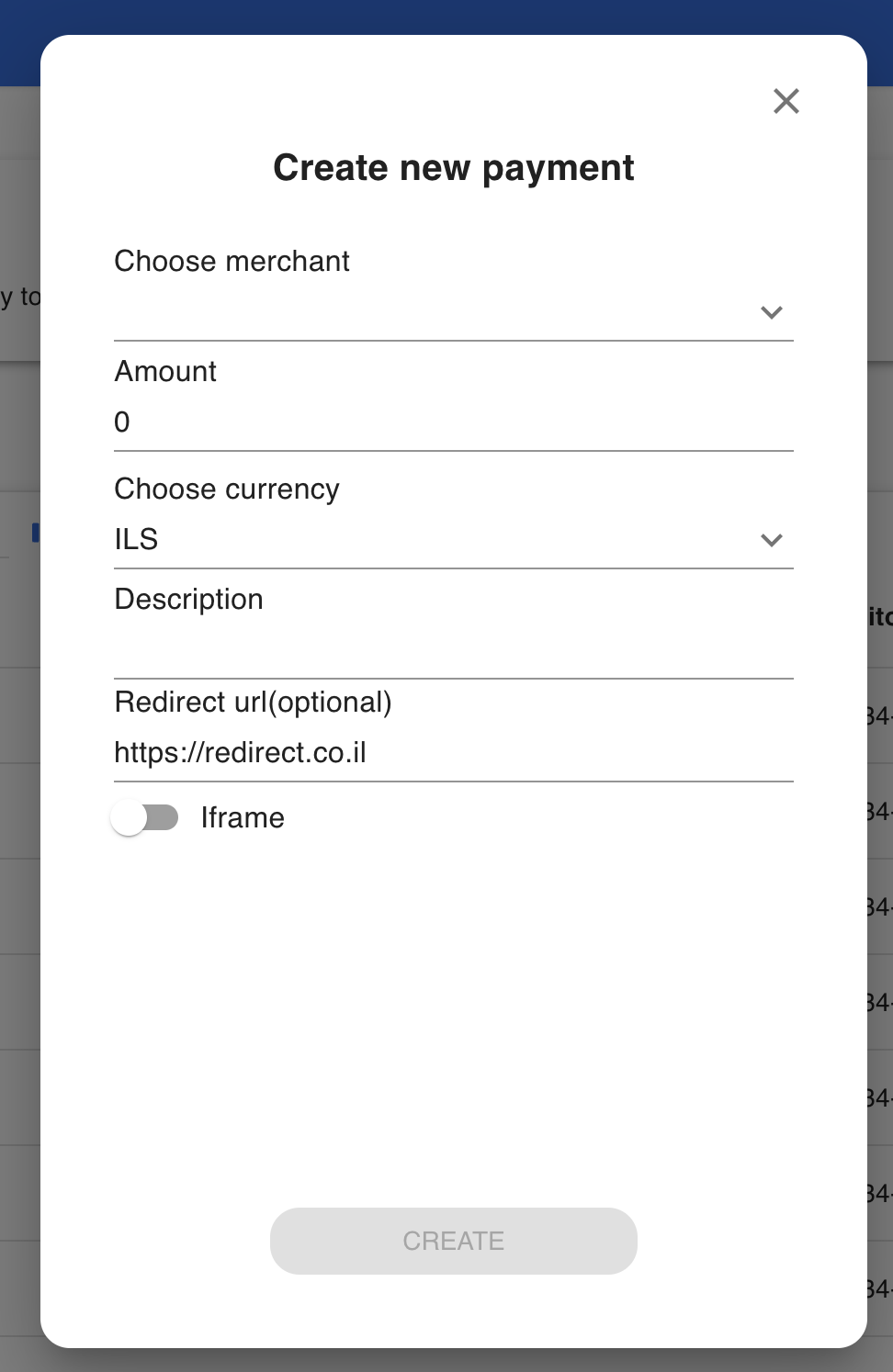
You can also choose whether the user is automatically redirected when the journey finishes, or if they see a “Payment success” screen first.
Response
Authorization URL
In the response, you will get a URL in the scaOAuth parameter.
You need to direct the customer to this URL so they can log in to their bank account and authorize the payment.
Payment Statuses
The payment status indicates the current state of the payment transfer.
You can check statuses using the Get Payment Status API request.
Testing with Sandbox Accounts
Example sandbox account responses and statuses:
| Account IBAN | Account BBAN | Result Status | Additional Info |
|---|---|---|---|
IL060311140000000436003 | 31-114-436003 | ACSC | |
IL500311140000000436666 | 31-114-436666 | ACSP | |
IL060311140000000436682 | 31-114-436682 | CANC | |
IL380311140000000436688 | 31-114-436688 | ACFC | |
IL060311140000000436488 | 31-114-436488 | PATC | After completing the payment it will change to ACTC to simulate multiple authenticators account |
IL410311140000000436440 | 31-114-436440 | PART | |
IL120311140000000436283 | 31-114-436283 | PENDING | |
IL190311140000000436254 | 31-114-436254 | ACCC | |
IL070311140000000435694 | 31-114-435694 | ACTC | |
IL630310640000000406821 | 31-064-406821 | ACWC | |
IL490311240000000272604 | 31-124-272604 | RJCT |
Get Live Payment Status
To get the live payment status, make a request to Get Payment Status using the paymentId you received in the response.Payments initiation using Open Banking Protocol
Updated 25 days ago